I lost my license code. How do I get it back?
+
Use the
license lookup tool above. Enter the email address you used when subscribing, and we'll send your license code to your inbox instantly. You can also find it in the original subscription confirmation email from GoMount.
Do I need an Apple Developer account to use GoMount?
+
No. GoMount is distributed directly from our website, not through the Mac App Store. It is signed with a Developer ID certificate and notarized by Apple, so it runs safely on macOS with standard Gatekeeper settings.
What protocols does GoMount support?
+
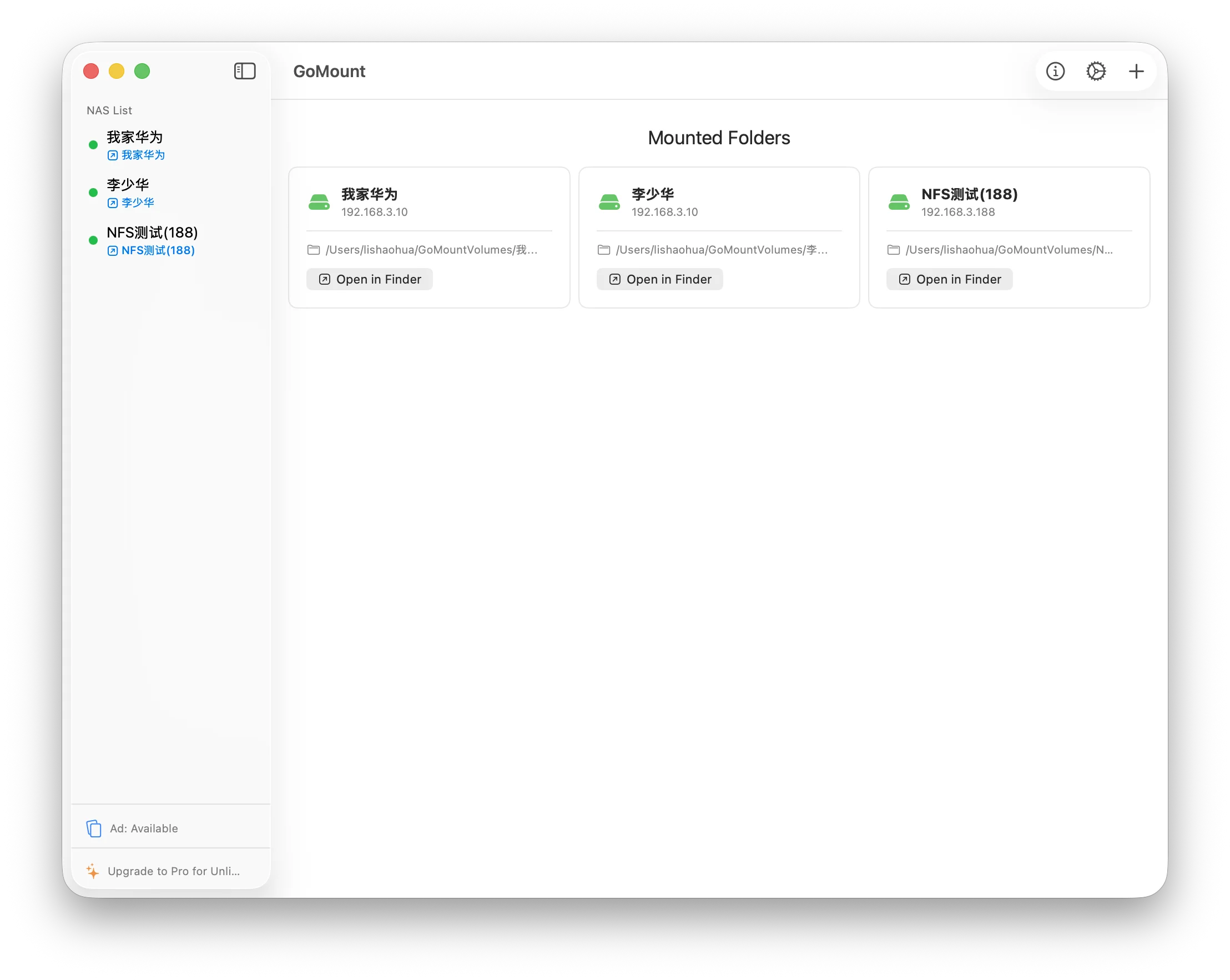
GoMount supports SMB/CIFS, NFSv4 and S3-compatible storage protocols. SMB is the default and works with most Windows and NAS shares. NFSv4 is available for Linux/Unix-based NAS systems and mounts with vers=4,tcp,noresvport for maximum compatibility. S3 support lets you connect to S3-compatible object storage and cloud drives. AFP is not supported as it has been deprecated by Apple.
Is my password stored securely?
+
Yes. All NAS credentials are stored exclusively in the macOS Keychain using the Security framework. GoMount never uploads or transmits your passwords over the network.
Can I use my subscription on multiple Macs?
+
Yes. Your subscription is tied to your purchase email, not a single device. You can activate GoMount Pro on multiple Macs using the same license code.
What happens after I subscribe?
+
After completing payment, you will receive a license activation code via email. Enter it in GoMount settings to unlock all Pro features immediately. Your subscription auto-renews until you cancel.
Can I cancel anytime?
+
Absolutely. You can cancel your subscription at any time from your Paddle account or by clicking "Manage Subscription" in GoMount settings. After canceling, you retain Pro access for the remainder of your billing period, plus an additional 7-day grace period.
What happens if my subscription expires?
+
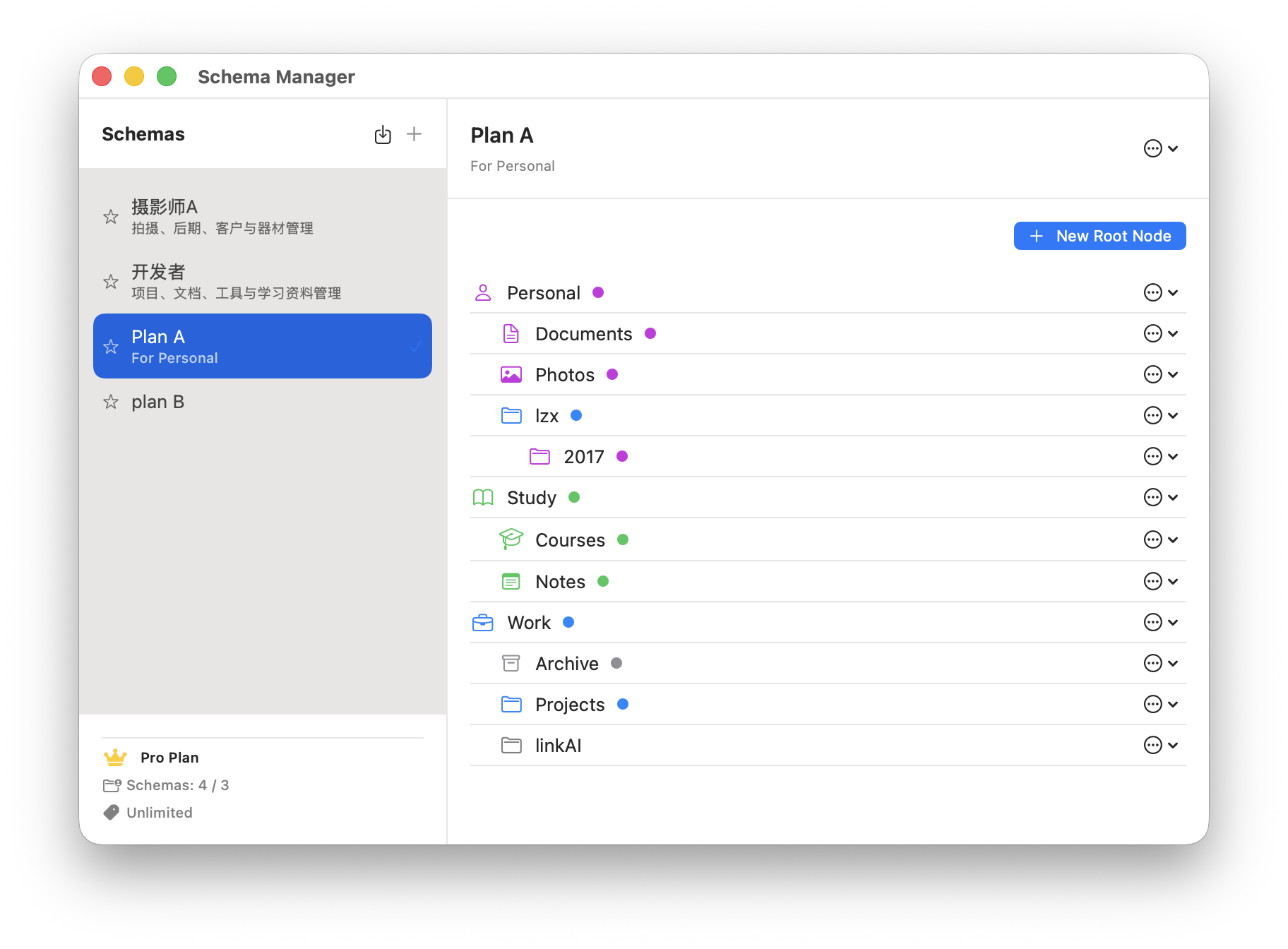
If your subscription expires or is canceled, you enter a 7-day grace period where all Pro features remain active. After the grace period, GoMount automatically downgrades to the Free plan (1 NAS device). You can resubscribe anytime to restore Pro access instantly.
Is there a refund policy?
+
Yes. We offer a 7-day no-questions-asked refund for new subscriptions. Contact support@gomount.top with your order ID. Refunds are not available for renewals.